MachineMaker: Building a 3-Axis Milling Machine using CAD data
Got a new machine and need to get it set up for ENCY? Here's how.
5 lessons· 1 hr

Gerry Grainger
Training content producer
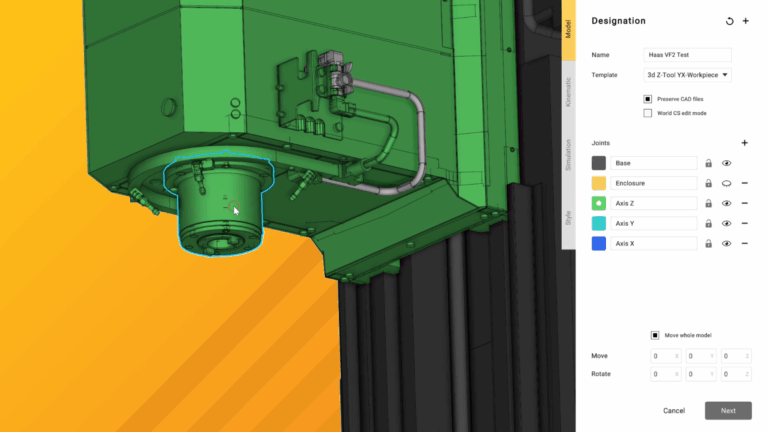
This course covers the details of building a 3-axis milling machine using CAD data as supplied by the manufacturer. These can be downloaded here and are provided free-of-charge by Haas.
Over the course of these videos, we will import the CAD models and prepare them for use in ENCY, apply kinematic constraints to the models for accurate motion, define the specifics of the machine controller capabilities and finally export the finished schema to ENCY.
We'll also expand out into incorporating extra axes - perfect for upgrade time in the workshop!
Lessons
- 1.Importing and optimising our CAD model, using the Simplifier tool▶ video
- 2.Defining Kinematics and Workpiece Coordinate Systems▶ video
- 3.Final checks, machine-specific tweaks, advanced features and Export▶ video
- 4.Upgrade option 1 – Adding a fourth axis▶ video
- 5.Upgrade option 2 – Adding a dual-axis Trunnion Turntable▶ video